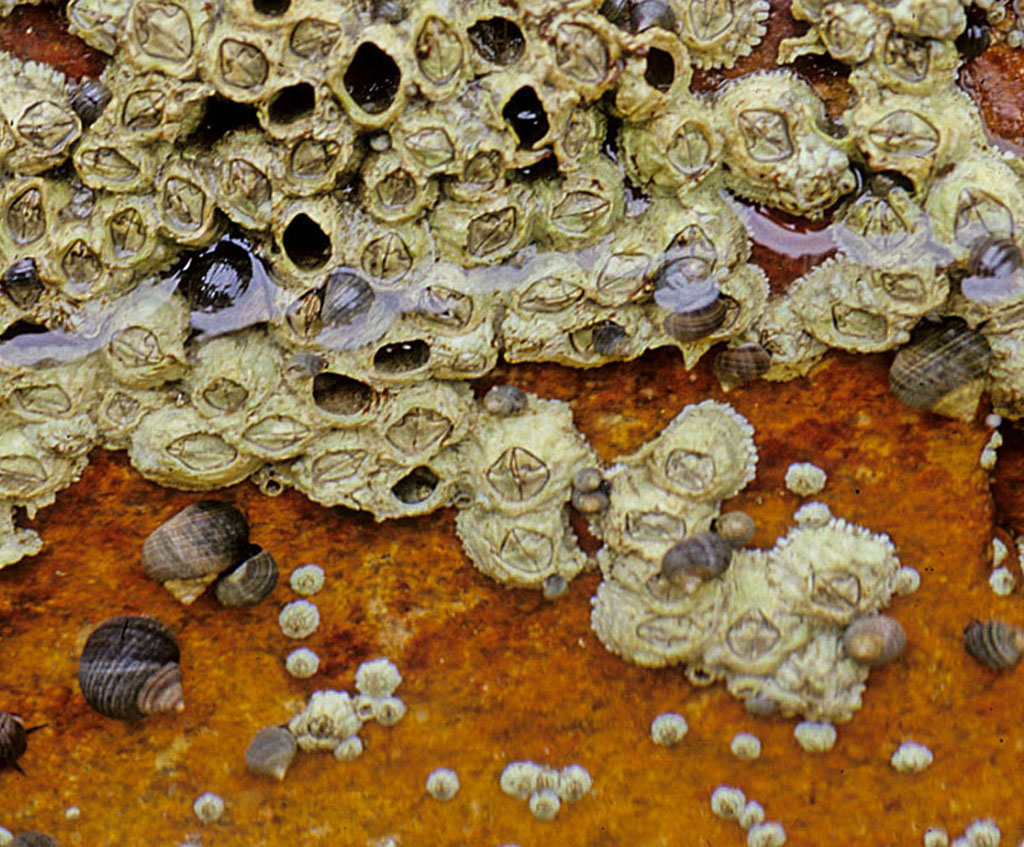
Photos from the waiting room display in our office are now available to use as wallpapers.

  1. Left-click on a photo. Image will download and be viewable at full size in your browser window. This may take a while depending on the speed of your connection.
  2. Right-click on this image.
  3. Choose "Set as wallpaper."
  4. These images are 1024 pixels wide. You may resize them to suit you needs.
  5. These images are copyrighted and all rights are reserved. Not for commercial use.